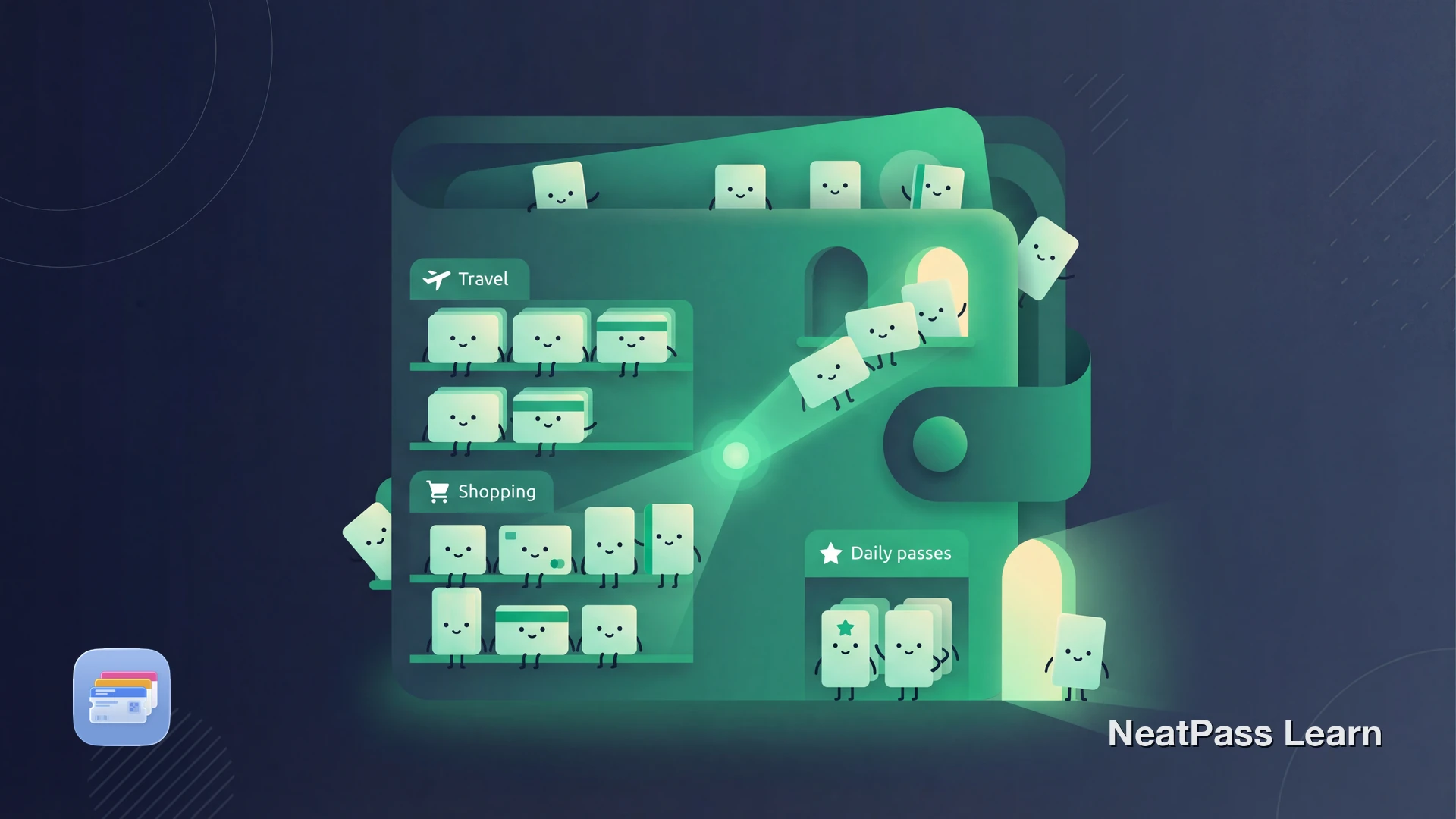
Sobald du all deine Kundenkarten, Event-Tickets, Bordkarten und Mitgliedsausweise digitalisiert hast, kann deine Pass-Bibliothek schnell wachsen. Bei 20 Pässen funktioniert Scrollen prima. Bei 50 wird es mühsam. Bei 100+ wird es zum echten Problem, den richtigen Pass an der Kasse oder am Eingang zu finden.
Apple Wallet stapelt alles in einer einzigen Liste mit begrenzten Organisationsmöglichkeiten. NeatPass v1.1 bringt die Werkzeuge, die du brauchst, um eine große Bibliothek im Griff zu behalten: benutzerdefinierte Sammlungen, iCloud-Sync über Geräte hinweg, Suche und Favoriten, Widgets für sofortigen Zugriff und Leistungsoptimierungen für große Bibliotheken.
Warum große Bibliotheken unübersichtlich werden
Apple Wallet gruppiert Pässe nach Typ und zeigt eventbasierte auf dem Sperrbildschirm. Das funktioniert für Bordkarten, die am Flughafen erscheinen. Aber für deine Alltagskarten gibt es kein automatisches Anzeigen. Je mehr Pässe du hinzufügst, desto länger scrollst du.
Flache Liste
Apple Wallet hat keine Ordner oder Kategorien. Alle Pässe leben in einem scrollbaren Stapel.
Keine Suche
Es gibt keine Suchleiste in Apple Wallet. Du scrollst oder merkst dir die Pass-Position.
Keine Favoriten
Keine Möglichkeit, deine meistgenutzten Pässe anzupinnen oder zu markieren. Deine Fitnesskarte wird unter neuen Einträgen begraben.
Begrenzte Sortierung
Manuelles Drag-and-Drop innerhalb jeder Sektion, aber keine benutzerdefinierten Sortieroptionen.
Diese Einschränkungen sind mit einer Handvoll Pässe handhabbar. Bei 100+ werden sie zur täglichen Frustration. Die Lösung sind nicht weniger Pässe, sondern bessere Organisationswerkzeuge.
Organisiere 100+ Pässe mit Sammlungen, Suche und Widgets
Mit NeatPass kannst du ganz einfach jedes Ticket, jeden Pass oder jede Kundenkarte in Apple Wallet umwandeln.
Sammlungen: Deine eigenen Ordner
Sammlungen in NeatPass v1.1 lassen dich Pässe in Kategorien gruppieren, die zu deiner tatsächlichen Nutzung passen. Stell sie dir als intelligente Ordner für deine Pässe vor.
Erstelle eine Sammlung
Wähle ein Icon
Füge Pässe hinzu
Sortierung pro Sammlung festlegen
Für einen tieferen Einblick in Sammlungsstrategien, siehe Pässe mit Ordnern und Sammlungen organisieren.
Empfohlene Sammlungen für Power-User
iCloud-Sync: Jedes Gerät, immer aktuell
Eine große Bibliothek ist nur nützlich, wenn sie überall verfügbar ist, wo du sie brauchst. NeatPass v1.1 nutzt iCloud-Sync, um deine Pässe, Sammlungen und Favoriten auf iPhone, iPad und Apple Watch konsistent zu halten.
iPhone
Dein Hauptgerät. Alle Pässe, Sammlungen und Einstellungen synchronisieren automatisch.
iPad
Durchsuche deine vollständige Bibliothek auf dem größeren Bildschirm. Ideal zum Organisieren von Sammlungen.
Apple Watch
Schneller Zugriff auf Pässe vom Handgelenk. QR-, Aztec- und PDF417-Barcodes werden unterstützt.
NeatPass verwendet Konfliktlösung auf Feldebene. Wenn du einen Pass-Namen auf deinem iPhone bearbeitest und die Farbe auf deinem iPad änderst, werden beide Änderungen automatisch zusammengeführt. Wenn du dasselbe Feld auf zwei Geräten bearbeitest, gewinnt die neueste Änderung. Deine Daten gehen nie verloren.
Für Einrichtungsanleitungen und Fehlerbehebung, siehe iCloud-Sync für Wallet-Pässe.
Suche, Filter und Favoriten
Mit 100+ Pässen ist Durchblättern nicht praktikabel. NeatPass gibt dir mehrere Wege, jeden Pass sofort zu finden.
Sofortsuche
Tippe einen beliebigen Teil eines Pass-Namens, Ausstellers oder Barcode-Werts. Ergebnisse erscheinen während du tippst.
Favoriten
Markiere deine meistgenutzten Pässe mit Stern. Sie erscheinen oben in deiner Bibliothek und in der Favoriten-Sammlung.
Sammlungsfilter
Tippe auf eine Sammlung, um nur diese Pässe zu sehen. Reduziere 100+ Pässe sofort auf die 10, die du brauchst.
Alte Pässe archivieren
Verschiebe abgelaufene oder selten genutzte Pässe ins Archiv. Sie sind weiterhin durchsuchbar, aber aus dem Weg.
Erfahre mehr über die Bibliotheksverwaltungsfunktionen oder wie Archivieren hilft, deine aktive Bibliothek sauber zu halten.
Widgets: Die Bibliothek komplett überspringen
Für Pässe, die du täglich nutzt, sind Widgets schneller als jede Suche oder Sammlung. Pinne deine meistgenutzten Pässe an deinen Sperrbildschirm oder Home-Screen und greife darauf zu, ohne die App überhaupt zu öffnen.
Sperrbildschirm-Widgets
Fitnesskarte auf dem Sperrbildschirm. Ein Tipp beim Check-in, kein Scrollen durch 100 Pässe.
Home-Screen-Widgets
Größere Widgets auf deinem Home-Screen. Zeigen Barcode und Pass-Details auf einen Blick.
Funktioniert offline
Widgets zeigen deinen Barcode auch ohne Internet. U-Bahn-Stationen und Fitness-Keller sind kein Problem.
Apple Watch Komplikationen
Füge Pässe zu deinem Zifferblatt hinzu. Handgelenk heben, tippen, fertig.
Richte dein erstes Widget ein mit dem Sperrbildschirm-Widget-Leitfaden oder dem Home-Screen-Widget-Leitfaden. Für eine vollständige Übersicht der Widget-Typen, siehe Widget-Übersicht.
Fokusmodus-Widgets
Leistung im großen Maßstab
NeatPass v1.1 enthält spezifische Optimierungen für Nutzer mit großen Bibliotheken. Das sind Verbesserungen hinter den Kulissen, die du nicht konfigurieren musst, die aber einen echten Unterschied machen.
Schnelleres Scrollen
Lazy Rendering lädt nur sichtbare Pässe. Das Scrollen durch 200+ Pässe bleibt flüssig.
Effiziente Speichernutzung
Pass-Bilder und Barcodes laden bei Bedarf. Deine Bibliothek kann wachsen, ohne die App zu verlangsamen.
Inkrementelle Synchronisation
Nur geänderte Pässe werden über iCloud synchronisiert. Das Hinzufügen eines Passes lädt nicht deine gesamte Bibliothek erneut hoch.
Alle Pässe funktionieren komplett offline. Deine Barcodes werden lokal auf deinem Gerät gespeichert. Keine Server-Roundtrips, keine Ladespinner, keine Verbindungssorgen an der Kasse.
Alles zusammenfügen
Hier ist ein praktischer Workflow für die Verwaltung einer wachsenden Bibliothek:
Erstelle 3-5 Sammlungen
Markiere deine Top 5 Pässe
Richte 2-3 Widgets ein
Archiviere, was du nicht brauchst
Aktiviere iCloud-Sync
Für mehr zu Pinning-Strategien, siehe Lieblingspässe oben anpinnen.
Häufig gestellte Fragen
Deine gesamte Pass-Bibliothek, immer organisiert
LadenDeine Bibliothek, unter Kontrolle
Eine wachsende Pass-Bibliothek ist eine gute Sache. Es bedeutet, dass du weniger physische Karten trägst, mehr Dinge digital abrufst und deine Brieftasche vereinfachst. Der Schlüssel sind die richtigen Werkzeuge, um sie organisiert zu halten, wenn sie wächst.
Mit Sammlungen, Suche, Favoriten, Widgets und iCloud-Sync bewältigt NeatPass v1.1 Bibliotheken jeder Größe. Dein 100. Pass ist genauso leicht zu finden wie dein erster.