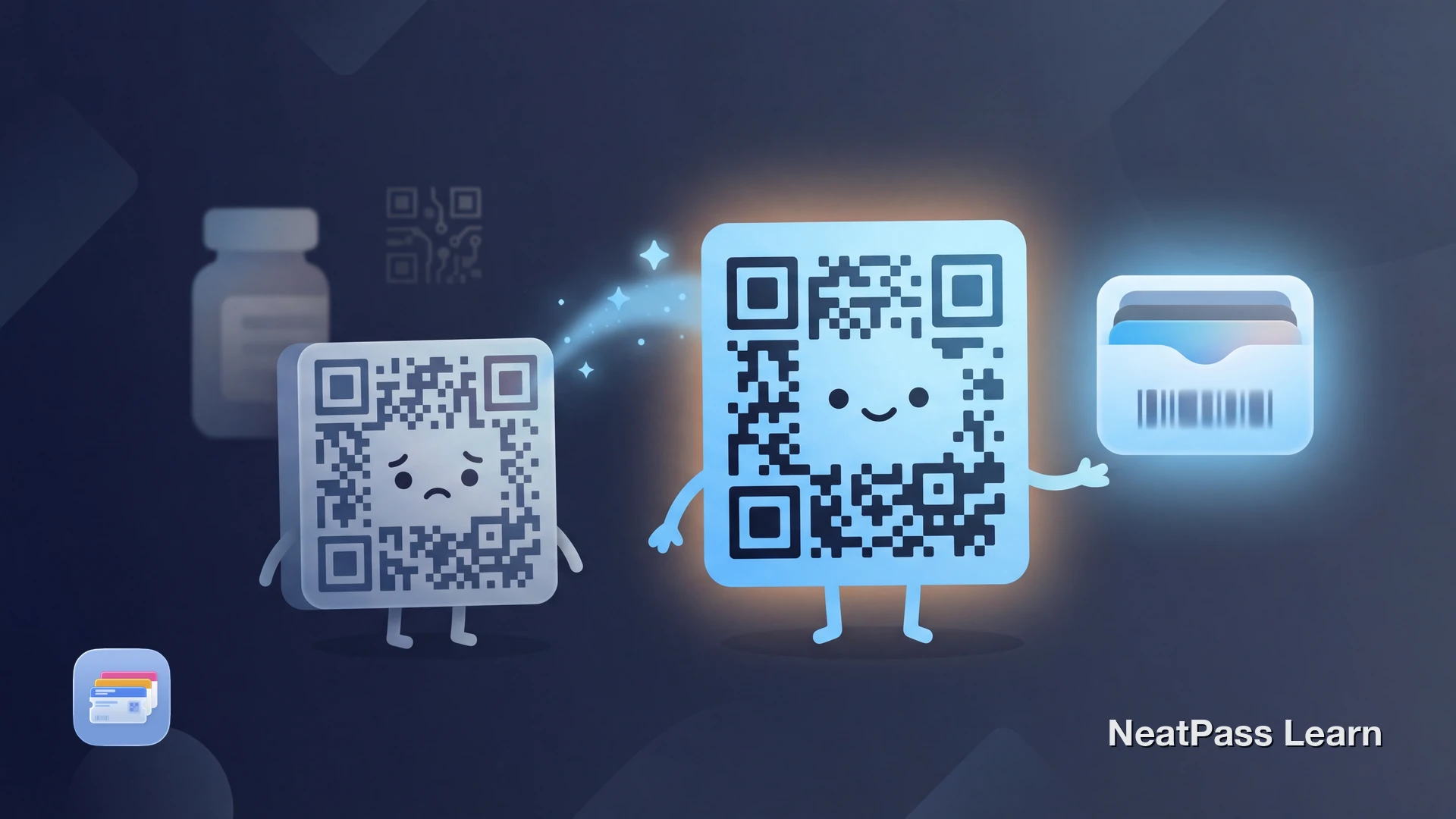
Du hast eine Karte oder ein Dokument mit einem DataMatrix-Barcode. Du möchtest ihn in Apple Wallet haben. Aber Apple Wallet unterstützt DataMatrix nicht nativ. Versuchst du, ihn direkt hinzuzufügen, schlägt die Passerstellung fehl oder der Barcode wird falsch dargestellt.
Das ist kein Fehler. Apple hat Wallet für bestimmte Anwendungsfälle entwickelt, und DataMatrix gehörte nicht dazu. Hier erfährst du, was du wissen musst und wie du die Einschränkung umgehst.
Was ist DataMatrix?
DataMatrix ist ein zweidimensionaler Barcode, der Daten in einem kompakten quadratischen oder rechteckigen Raster aus schwarzen und weißen Zellen unterbringt. Anders als QR-Codes, die ebenfalls ein 2D-Raster nutzen, wurde DataMatrix speziell für Industrie- und Gesundheitsanwendungen entwickelt, bei denen der Platz begrenzt ist.
DataMatrix-Barcodes findest du zum Beispiel auf:
- Verschreibungspflichtigen Medikamenten und Pharmaverpackungen
- Etiketten von Medizinprodukten und chirurgischen Instrumenten
- Elektronischen Bauteilen zur Rückverfolgung
- Kleinen gefertigten Teilen
- Laborproben und Reagenzgläsern
Das Format kann bis zu 2.335 alphanumerische Zeichen auf kleinerem Raum als die meisten anderen Barcodetypen kodieren. Das macht es ideal für Situationen, in denen Platz kostbar ist, etwa auf einer Tablettenpackung oder einer Leiterplatte.
Warum Apple Wallet DataMatrix nicht unterstützt
Apple Wallet wurde vor allem für Endkunden-Anwendungsfälle entwickelt: Eventtickets, Bordkarten, Kundenkarten und Zahlungen. Die vier unterstützten Barcodeformate spiegeln diesen Fokus wider:
- QR-Code - Eventtickets, Passes
- PDF417 - Bordkarten, Ausweise
- Aztec - Flugtickets, Nahverkehr
- Code 128 - Einzelhandel, Versand
- DataMatrix - Gesundheitswesen, Industrie
- GS1 DataBar - Coupons, Frischware
- EAN-13/UPC - Einzelhandelsprodukte
- Code 39 - ältere Lagerverwaltungssysteme
DataMatrix ist auf industrielle Rückverfolgung und Compliance im Gesundheitswesen spezialisiert. Apple hat es wahrscheinlich nicht aufgenommen, weil die eigenen Zielanwendungen es kaum benötigen. Eine vollständige Liste dessen, was NeatPass verarbeiten kann, findest du bei den unterstützten Barcodeformaten.
Jeden Barcode zu Apple Wallet hinzufügen
Mit NeatPass kannst du ganz einfach jedes Ticket, jeden Pass oder jede Kundenkarte in Apple Wallet umwandeln.
Wie NeatPass mit DataMatrix umgeht
NeatPass verfolgt einen zweigleisigen Ansatz für DataMatrix-Barcodes, je nachdem, wie du deinen Pass nutzen möchtest:
Original bleibt in der App erhalten
NeatPass zeigt deinen ursprünglichen DataMatrix-Barcode genau so an, wie er aussehen soll. Volle Originaltreue, keine Umwandlung für die Ansicht in der App nötig.
Intelligente Umwandlung für Wallet
Beim Export zu Apple Wallet wandelt NeatPass deine DataMatrix-Daten in das QR-Code-Format um. Die zugrunde liegenden Daten bleiben erhalten, nur die visuelle Darstellung ändert sich.
Dieser doppelte Ansatz gibt dir das Beste aus beiden Welten. Sieh dir deinen originalen DataMatrix in NeatPass an, wenn du ihn brauchst, und nutze den umgewandelten QR-Code in Apple Wallet für schnellen Zugriff vom Sperrbildschirm. Mehr dazu erfährst du bei wie die Barcode-Umwandlung funktioniert.
Datenintegrität garantiert
So fügst du deine DataMatrix-Karte hinzu
Karte importieren
Erkennung prüfen
Zu Wallet exportieren (optional)
Pass überprüfen
Weitere Möglichkeiten, deine Karten in NeatPass zu bekommen, findest du bei den Importmethoden. Sobald sie importiert sind, funktionieren deine Passes offline ohne Internet.
Häufige DataMatrix-Anwendungsfälle
Gesundheitswesen & Pharma
Rezeptverfolgung, Medikamentenprüfung und Patientenausweise nutzen DataMatrix häufig für kompakte Datenkodierung.
Industrielle Fertigung
Bauteilverfolgung, Qualitätskontrolle und Bestandsverwaltung setzen auf DataMatrix zur Kennzeichnung kleiner Teile.
Logistik & Versand
Paketverfolgung und Lieferkettenmanagement nutzen DataMatrix, wenn QR-Codes zu groß für das Etikett sind.
Laborproben
Reagenzgläser, Probenbehälter und Laborgeräte nutzen DataMatrix, um Tracking-Daten auf kleinen Flächen unterzubringen.
Funktioniert der umgewandelte Barcode?
In den meisten Fällen ja. Die Umwandlung bewahrt deine Barcode-Daten. Wenn dein DataMatrix „ABC123456789" kodierte, kodiert der QR-Code denselben Wert. Moderne Scanner lesen die Daten aus, nicht das visuelle Muster.
Manche spezialisierten Systeme benötigen jedoch das originale DataMatrix-Format. In diesen Fällen:
- Nutze NeatPass direkt, um den originalen DataMatrix anzuzeigen
- Behalte deine ursprüngliche physische Karte als Backup
- Bitte das Personal, den Code manuell einzugeben, falls das Scannen fehlschlägt
Wenn dein Barcode nach dem Import anders aussieht, ist das bei umgewandelten Formaten normal. Sieh dir an, warum dein Barcode anders aussieht für Details.
Teste es vorher
Häufig gestellte Fragen
Dein Barcode in Wallet
Dass DataMatrix in Apple Wallet nicht funktioniert, ist eine Einschränkung der Plattform, kein Makel deiner Karte. NeatPass überbrückt das, indem es den originalen Barcode in der App bewahrt und ihn intelligent in ein kompatibles Format für den Wallet-Export umwandelt.
Egal ob du den Wallet-Pass für schnellen Zugriff nutzt oder NeatPass für das Originalformat, deine Barcode-Daten bleiben erhalten. Keine physischen Karten mehr mitschleppen oder dich auf Screenshots verlassen, die verblassen und versagen.
Bereit, deine Karten zu migrieren?
LadenWeiterführende Themen