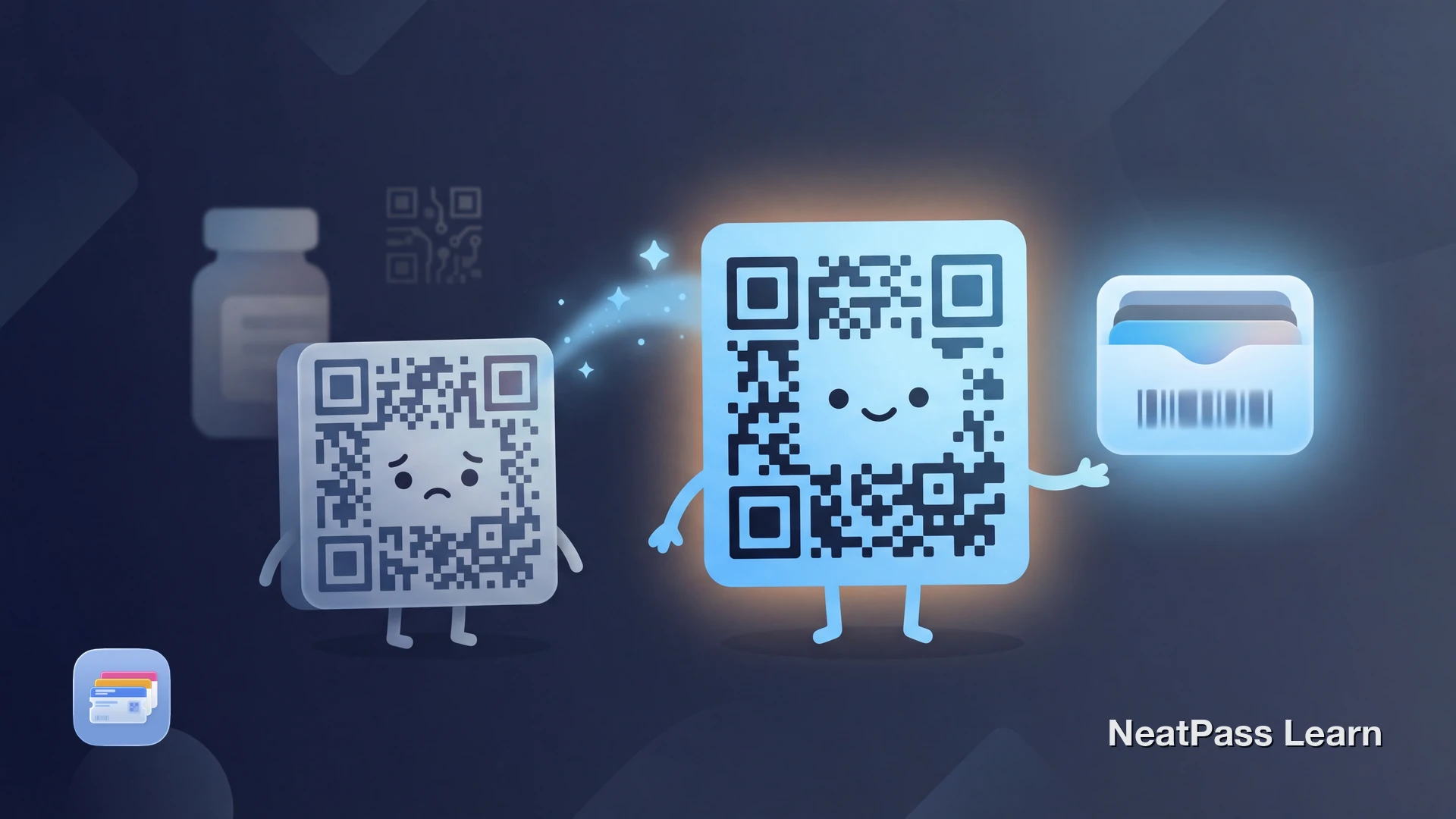
You have a card or document with a DataMatrix barcode. You want it in Apple Wallet. But Apple Wallet does not support DataMatrix natively. If you try to add it directly, the pass creation fails or the barcode renders incorrectly.
This is not a bug. Apple designed Wallet for specific use cases, and DataMatrix was not included. Here is what you need to know and how to work around the limitation.
What Is DataMatrix?
DataMatrix is a two-dimensional barcode that packs data into a compact square or rectangular grid of black and white cells. Unlike QR codes (which also use a 2D grid), DataMatrix was designed specifically for industrial and healthcare applications where space is limited.
You will find DataMatrix barcodes on:
- Prescription medications and pharmaceutical packaging
- Medical device labels and surgical instruments
- Electronic component tracking
- Small manufactured parts
- Laboratory samples and test tubes
The format can encode up to 2,335 alphanumeric characters in a space smaller than most other barcode types. This makes it ideal for situations where real estate is precious, like a pill bottle or circuit board.
Why Apple Wallet Does Not Support DataMatrix
Apple Wallet was designed primarily for consumer use cases: event tickets, boarding passes, loyalty cards, and payment. The four supported barcode formats reflect this focus:
- QR Code - event tickets, passes
- PDF417 - boarding passes, IDs
- Aztec - airline tickets, transit
- Code 128 - retail, shipping
- DataMatrix - healthcare, industrial
- GS1 DataBar - coupons, produce
- EAN-13/UPC - retail products
- Code 39 - older inventory systems
DataMatrix is specialized for industrial tracking and healthcare compliance. Apple likely did not include it because their target use cases rarely need it. For a full list of what NeatPass can handle, see supported barcode formats.
Add Any Barcode to Apple Wallet
Mit NeatPass kannst du ganz einfach jedes Ticket, jeden Pass oder jede Kundenkarte in Apple Wallet umwandeln.
How NeatPass Handles DataMatrix
NeatPass takes a two-pronged approach to DataMatrix barcodes, depending on how you want to use your pass:
Original Preserved In-App
NeatPass renders your original DataMatrix barcode exactly as it should appear. Full fidelity, no conversion needed for in-app viewing.
Smart Conversion for Wallet
When exporting to Apple Wallet, NeatPass converts your DataMatrix data to QR Code format. The underlying data stays intact, only the visual representation changes.
This dual approach means you get the best of both worlds. View your original DataMatrix in NeatPass when you need it, and use the converted QR Code in Apple Wallet for quick lock screen access. Learn more about how barcode conversion works.
Data Integrity Guaranteed
How to Add Your DataMatrix Card
Import Your Card
Review the Detection
Export to Wallet (Optional)
Verify the Pass
For more ways to get your cards into NeatPass, see all import methods. Once imported, your passes work offline without internet.
Common DataMatrix Use Cases
Healthcare & Pharma
Prescription tracking, medication verification, and patient ID cards often use DataMatrix for compact data encoding.
Industrial Manufacturing
Component tracking, quality control, and inventory management rely on DataMatrix for small-part labeling.
Logistics & Shipping
Package tracking and supply chain management use DataMatrix when QR codes are too large for the label.
Laboratory Samples
Test tubes, specimen containers, and lab equipment use DataMatrix to fit tracking data on small surfaces.
Will the Converted Barcode Work?
In most cases, yes. The conversion preserves your barcode data. If your DataMatrix encoded "ABC123456789", the QR Code encodes the same value. Modern scanners extract the data, not the visual pattern.
However, some specialized systems may require the original DataMatrix format. In those situations:
- Use NeatPass directly to display the original DataMatrix
- Keep your original physical card as backup
- Ask the operator to manually enter the code if scanning fails
If your barcode looks different after import, that is expected behavior for converted formats. See why your barcode looks different for details.
Test Before You Go
Frequently Asked Questions
Your Barcode in Wallet
DataMatrix not working in Apple Wallet is a platform limitation, not a flaw in your card. NeatPass bridges this gap by preserving the original barcode in-app and intelligently converting to a compatible format for Wallet export.
Whether you use the Wallet pass for quick access or NeatPass for the original format, your barcode data remains intact. No more carrying physical cards or relying on screenshots that fade and fail.
Bereit, deine Karten zu migrieren?
DownloadRelated Reading